10 Best Practices Real Offices Use to Stay Organized With PhonePad
(And Avoid the “Who Lost That Message?!” Office Meltdown)
 Running a busy office is a bit like juggling flaming chainsaws while someone keeps handing you more chainsaws.
Calls come in, messages need to be passed on, clients are waiting for call-backs, deadlines creep up, and let’s be honest — some days it feels like the whole thing is held together with sticky notes and hope.
That’s where PhonePad comes in.
But here’s the secret most high-performing offices know:
PhonePad isn’t just software — it’s a system. And the offices that follow the right habits get the biggest results.
After working with thousands of businesses, we’ve seen the patterns.
The most organized, efficient, low-stress offices all do the same things.
Here are the 10 best practices real teams use every day to stay on top of everything and keep their workloads under control.
1 – Log Every Call — Even the Small, “I’ll Remember It” Ones

The #1 cause of office chaos?
The informal call.
“Oh yeah, I’ll just tell Sarah you rang.”
Nope.
That’s how messages vanish into the void.
Top offices log every call, big or small.
It takes seconds, and it prevents hours of detective work later.
PhonePad makes that easy — and your future self will thank you.
2 – Use Follow-Ups Like Your Life Depends on It
 The busiest offices don’t rely on memory.
They use follow-ups for everything:
- Call-backs
- Reminders
- Client chases
- Pending approvals
- Outstanding tasks
One tiny habit = no more “Oops, I forgot to call them back.”
3 – Use Shared Inboxes Instead of Interrupting Each Other

Reception out sick?
Someone on lunch?
Someone working from home?
No problem.
Access their PhonePad Inbox and keep moving.
This single feature eliminates half of the “Hey, do you know where that message is?” interruptions.
4 – Keep the Address Book Clean and Centralized

Smart offices keep their Address Book tidy:
- Merge duplicates
- Update phone numbers
- Add client notes
- Attach documents
- Keep everyone using the same records
This becomes your single source of truth, instead of each staff member storing contacts in their own private universe.
5 – Check Caller History Before Returning Calls

High-performing teams never return calls blind.
They quickly scan Caller History first:
- Who spoke to them last
- What was discussed
- What they’re expecting
- Any follow-up notes
This makes your office look organized, professional, and “on the ball.”
6 – Use the To Do List for Shared Tasks

The built-in multi-user To Do List is a hidden gem.
Offices use it to coordinate:
- Admin duties
- Reception tasks
- Daily routines
- Private items
- Shared responsibilities
It becomes the team’s “shared brain,” keeping everyone aligned.
7 – Keep PhonePad Open All Day
 Sounds obvious… but you’d be surprised.
The most efficient offices keep PhonePad running all day because:
- Messages appear instantly
- Follow-ups pop up on time
- Notifications aren’t missed
Closing PhonePad is like turning off your phone — you miss everything.
8 – Use Categories and Priorities Consistently

Teams who thrive with PhonePad use categories like:
- Urgent
- Billing
- Sales
- Support
- Call-back
And the key is: everyone uses the same rules.
It keeps things neat, clear, and easy to filter.
9 – Review Completed Messages Weekly

This one only takes 3–5 minutes.
Smart offices quickly review their completed messages to:
- Spot missed follow-ups
- Catch unresolved issues
- Identify client patterns
It’s a tiny weekly ritual with a huge payoff.
10 – Use a Consistent, Friendly Message Style
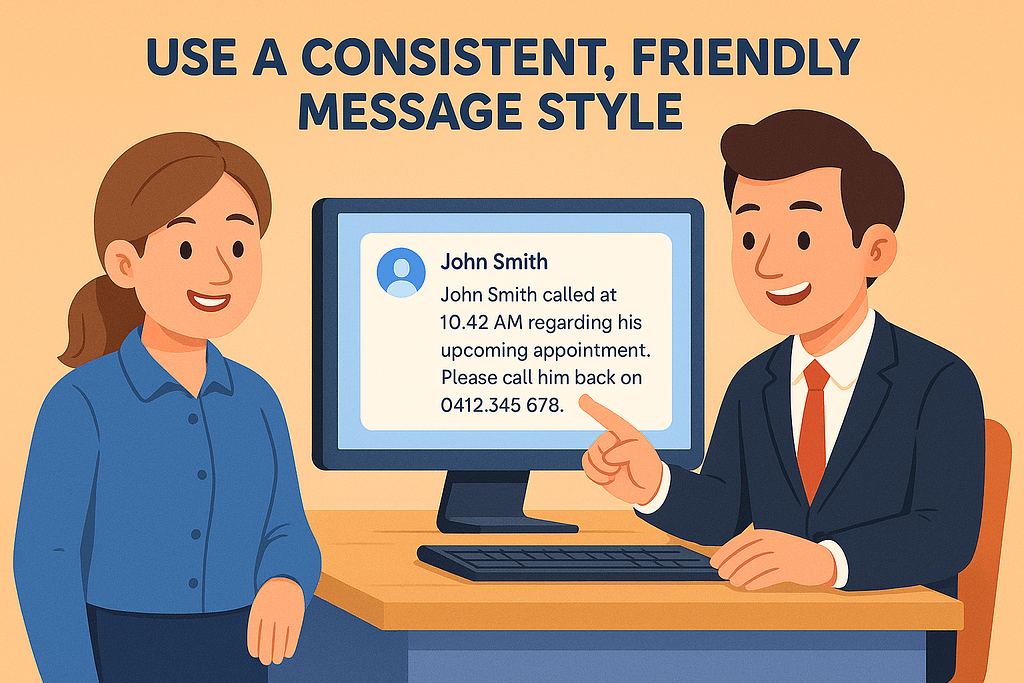
Different staff write messages differently…
…which means clients sometimes get messages like these:
- “He rang.”
- “Call back.”
- “???”
Not helpful.
The top offices use a clear structure, for example:
“John Smith called at 10:42 AM regarding his upcoming appointment. Please call him back on 0412 345 678.”
Easy to read, easy to understand.
Bonus: Don’t Rely on Memory — Let PhonePad Do the Heavy Lifting

Your team shouldn’t have to mentally track 30 half-finished tasks per day.
PhonePad is designed to:
- Remember
- Remind
- Organize
- Keep things moving
- Reduce stress
- Prevent lost messages
Use it fully, and it becomes the calm, reliable system your office needs.
Wrapping Up
The offices that follow these best practices aren’t just “using” PhonePad — they’re mastering it.
They have:
- Fewer missed calls
- Better communication
- Happier clients
- A calmer, more organized workplace
- Staff who aren’t drowning in tasks
You don’t need to learn all of these at once.
Just start with one or two and build from there.
Before long, you’ll wonder how your office ever survived without PhonePad.