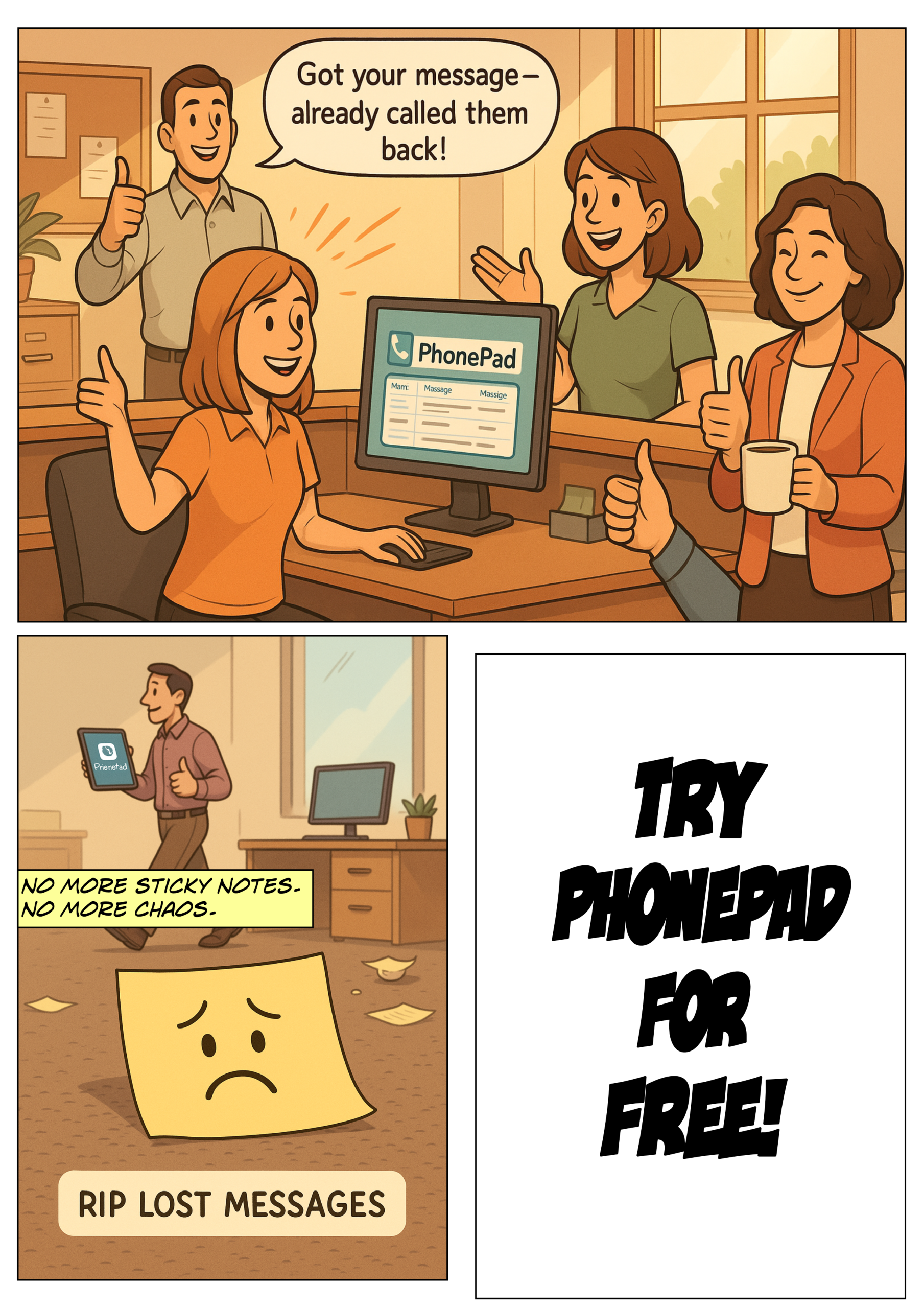
Office communication can get messy.
One person’s writing is hard to read. Sticky notes disappear. Emails get lost in the abyss of inboxes. And when a message doesn’t get delivered? Suddenly it’s your fault.
If this sounds familiar, you’re not alone.
That’s why we built PhonePad—a simple, reliable tool that transforms how offices handle phone messages and internal communication. Whether you’re managing a small front desk or juggling a whole team, PhonePad helps keep everything organized.
No More “Did You Get My Message?”
With PhonePad, you’ll never wonder if a message was lost, forgotten, or  misunderstood.
Every message—whether it’s a call for a coworker or a note to yourself—is logged in a searchable, time-stamped inbox. You can track who sent it, who received it, and what action was taken.
Forget scribbled notes and verbal hand-offs. This is communication that actually sticks.
Messages That Work Like You Do
PhonePad lets you:
- Instantly log incoming and outgoing phone calls.
- Send messages directly to coworkers (or even groups).
- Add follow-up notes, reminders, and due dates.
- Mark messages as urgent, private, or completed.
- Track message history to see what’s been done.
It’s like having a supercharged message pad—but digital, searchable, and built for busy offices.
Made for Teams That Juggle Tasks
Whether your team is in the office, working remotely, or a bit of both, PhonePad makes sure everyone stays in the loop.
- Inbox access: Each staff member has their own inbox. And PhonePad can be configured so that users can access other Inboxes – perfect for executive assistants.
- Group folders: Organize communication by department, project, or role.
- Follow-up tracking: Know who followed up, and when.
- Message receipts: Get notified when a message is read.
Need to check if a call was returned or passed on? It’s all right there—no guesswork required.
 Organize Messages with Folders (and Filters)

PhonePad gives you more than just an inbox.
You can organize your messages into personal, public, or group folders, and filter them by:
- Read/unread.
- Follow-up status.
- Date.
- Sender.
- Urgency.
- Category.
- And more.
And if you’re looking for something specific? Just use the built-in search bar to find any message in seconds.
Helpful Extras (That Make You Look Like a Rockstar)
- Reminders – Never miss a callback again.
- Instant Chat – Built-in internal messaging.
- To-Do Lists – Assign and track tasks.
- Caller History – See a timeline of interactions with any contact.
- Appointment Calendar – (Optional add-on) for booking client or staff meetings.
 Say Goodbye to Communication Bottlenecks

When communication falls apart, it causes confusion, stress, and missed opportunities.
PhonePad fixes that by giving your team a centralized, easy-to-use system that keeps messages moving and nothing slipping through the cracks.
It’s better for your team. Better for your customers. And way better for your sanity.
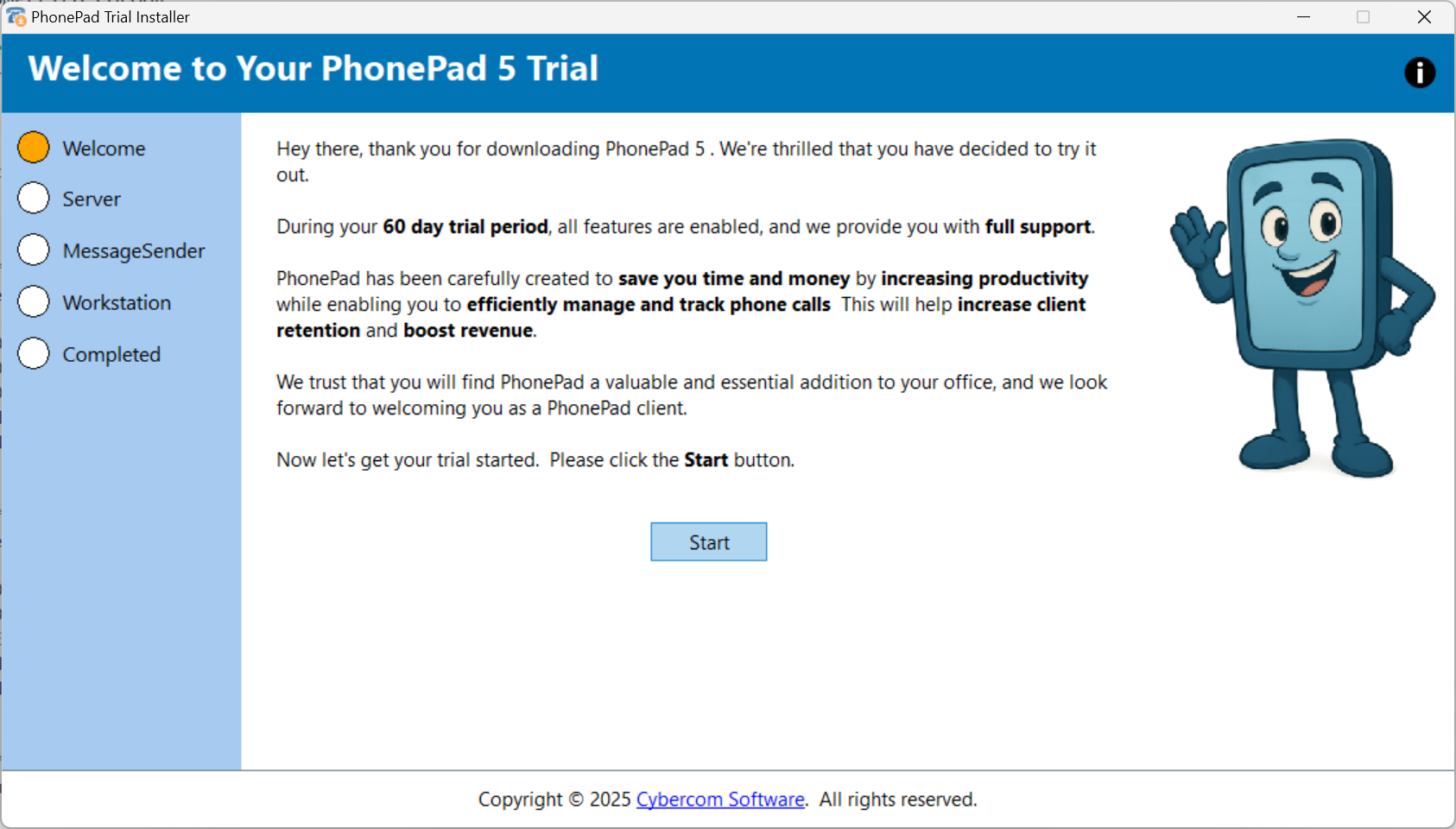
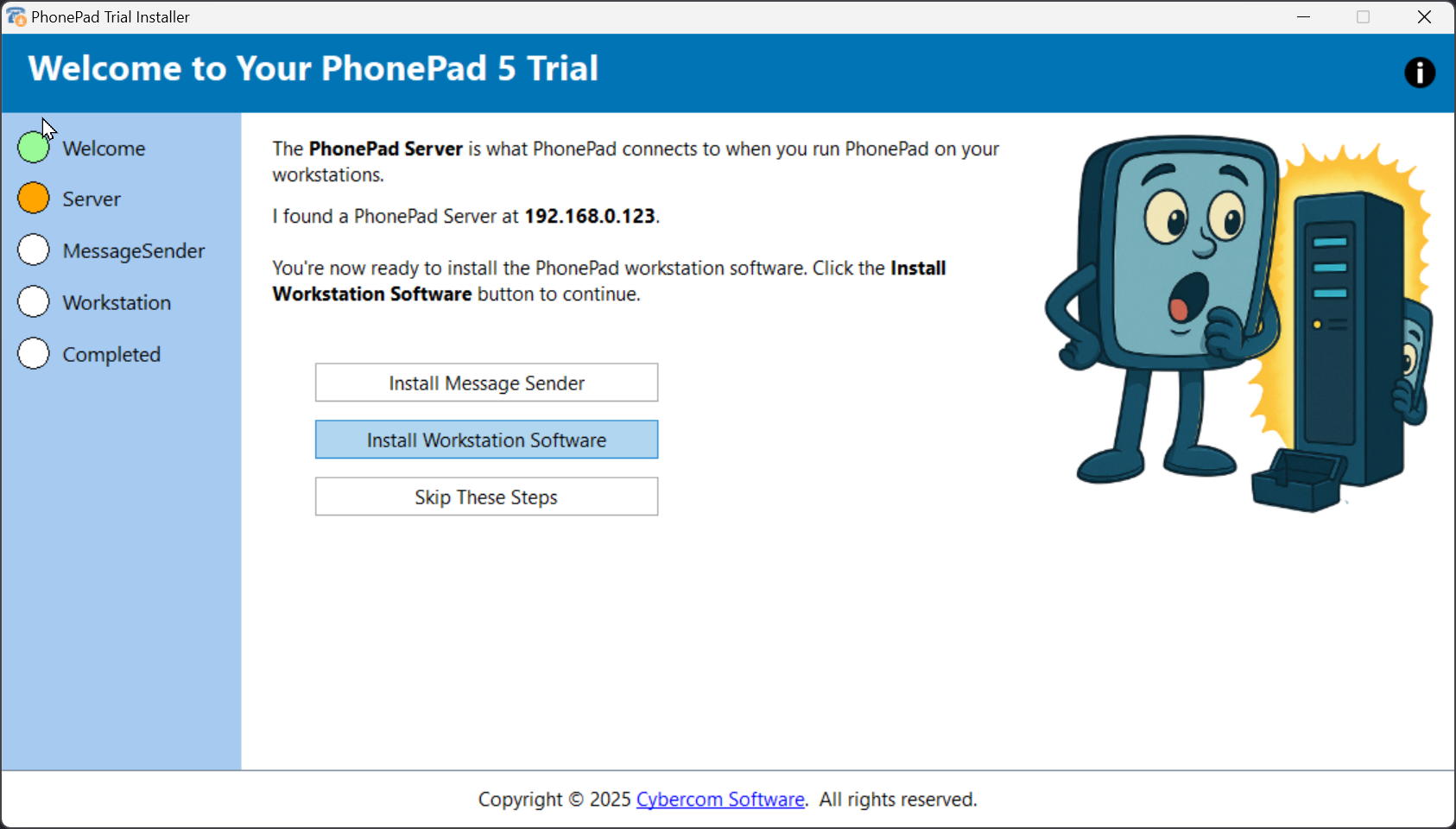
Try PhonePad for Free
Want to see how it works in your office?
Try it free for 30 days—no credit card required.